
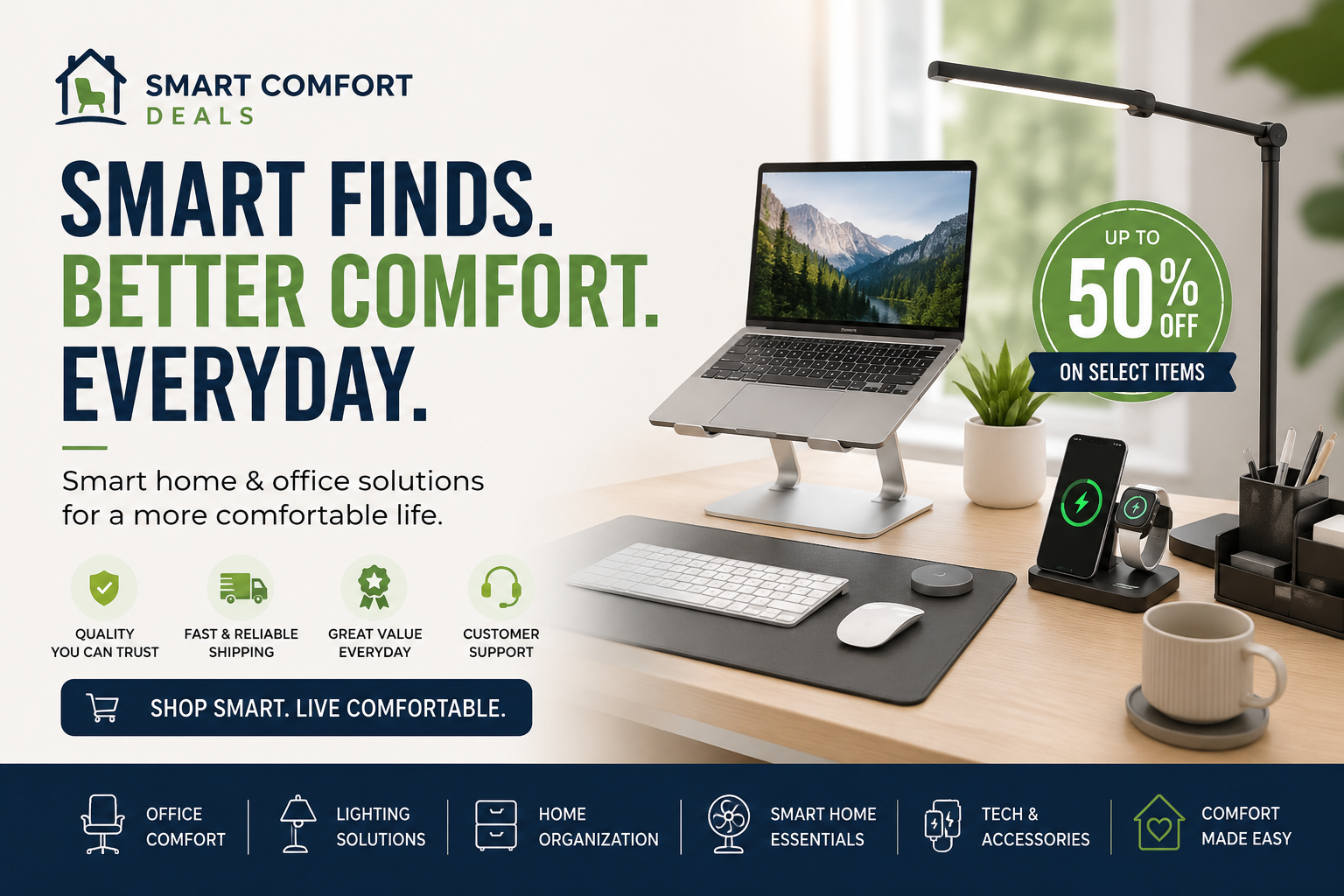
Comfort is not always about buying expensive furniture or filling your home with complicated technology. In many cases, a few carefully selected products can make your workspace more organized, your rooms more relaxing, and your everyday routines easier.
The key is to choose products that solve a real problem.
At Smart Comfort Deals, we focus on practical finds for modern homes and workspaces. From ergonomic office accessories to convenient lighting and organization solutions, these upgrades can help you create an environment that feels more comfortable and works better for your lifestyle.
Here are 12 smart comfort upgrades worth considering.
1. An Adjustable Laptop Stand
Working with a laptop placed flat on a desk can force you to look downward for long periods. An adjustable laptop stand raises the screen closer to eye level and can help create a more natural working position.
Many stands can also be folded and stored when they are not being used, making them suitable for small desks, shared workspaces, and travel.
For a more complete setup, combine your stand with an external keyboard and mouse.
Best for: Remote workers, students, travelers, and small home offices.
[Explore Laptop Stands]
2. A Supportive Seat Cushion
A new office chair is not always necessary. A supportive seat cushion can be a simpler and more affordable way to improve an existing chair.
Look for a cushion that fits your seat properly, stays securely in place, and provides balanced support without feeling excessively firm.
Seat cushions may also be useful for dining chairs, car seats, and other places where you remain seated for extended periods.
Best for: Desk workers, drivers, students, and anyone improving a basic chair.
[Shop Office Comfort Accessories]
3. A Footrest for Your Desk
A footrest is one of the most overlooked office accessories. It can provide a stable surface for your feet when your chair or desk height does not allow them to rest comfortably on the floor.
Some models have adjustable height settings, textured surfaces, or rocking designs that allow light movement while sitting.
Choose a model that fits beneath your desk without restricting your legroom.
Best for: Shorter users, high desks, and long working sessions.
[Discover Desk Footrests]
4. A Monitor Light Bar or Adjustable Desk Lamp
Proper lighting can make a workspace feel more comfortable and inviting. A monitor light bar directs light toward the desk while taking up very little space.
An adjustable desk lamp is another practical option, particularly for reading, writing, studying, or detailed tasks.
Useful features may include:
- Adjustable brightness levels
- Different light-temperature settings
- Flexible positioning
- Touch controls
- USB charging ports
Avoid choosing a lamp based only on appearance. Consider where the light will fall and whether it will create glare on your screen.
Best for: Home offices, study areas, bedrooms, and compact desks.
[Browse Smart Lighting]
5. A Compact Desktop Organizer
A cluttered desk can make even simple tasks feel more difficult. A desktop organizer gives frequently used items a designated place and helps keep the main working area clear.
Choose an organizer based on what you actually use. Someone working with paperwork may need document trays, while a digital worker may need compartments for cables, chargers, pens, and small electronics.
The best organizer is not necessarily the largest one. It is the one that fits your routine without consuming valuable desk space.
Best for: Busy desks, student workspaces, and shared offices.
[Shop Desk Organization]
6. Cable Management Accessories
Loose charging cables and power cords can quickly make a workspace look untidy. Cable clips, sleeves, boxes, and under-desk trays can help keep cords organized and easier to access.
Before buying a cable-management product, count the number of cables you need to manage and consider where they connect. A small clip may be enough for a phone charger, while a full desk setup may require a tray or protective sleeve.
Labeling similar cables can also save time when devices need to be disconnected.
Best for: Computer desks, entertainment areas, charging stations, and gaming setups.
[Explore Cable Management Solutions]
7. A Multi-Device Charging Station
Phones, watches, earbuds, tablets, and other devices can create a crowded collection of chargers. A multi-device charging station provides one central place to organize and charge compatible electronics.
Check charging compatibility carefully before purchasing. Not every station supports every phone, smartwatch, or charging standard.
You should also confirm whether the required power adapter is included or must be purchased separately.
Best for: Bedside tables, entryways, family charging areas, and office desks.
[Browse Charging Accessories]
8. Smart Plugs
A smart plug can add basic automation to compatible lamps and household appliances. Depending on the model, users may be able to control connected devices through an app, voice assistant, schedule, or timer.
Smart plugs can be particularly useful for devices that are difficult to reach or that follow a predictable daily routine.
However, always check the plug’s power rating and the requirements of the appliance you intend to connect. High-power appliances should not be connected unless the manufacturer clearly states that the plug supports them.
Best for: Lamps, fans, seasonal lighting, and selected small appliances.
[Shop Smart Home Accessories]
9. A Portable or Desktop Fan
A compact fan can improve personal comfort without changing the temperature throughout an entire room. This makes it useful in shared offices, bedrooms, kitchens, dorm rooms, and other spaces where people have different temperature preferences.
When comparing fans, consider:
- Noise level
- Number of speed settings
- Available desk space
- Power source
- Oscillation
- Ease of cleaning
A fan used during calls or focused work should prioritize quiet operation over maximum airflow.
Best for: Warm desks, shared rooms, kitchens, and bedside use.
[Explore Personal Cooling Products]
10. A Humidifier for Dry Rooms
A humidifier adds moisture to indoor air and can make certain dry environments feel more comfortable. Compact models are often designed for bedrooms, offices, or personal spaces.
Room size matters. A small desktop humidifier may not be effective in a large open room, while a high-output model may be unnecessary for a small workspace.
Humidifiers also require regular cleaning. A model that is difficult to open or maintain can quickly become inconvenient, regardless of its additional features.
Best for: Dry bedrooms, air-conditioned offices, and seasonal use.
[Browse Home Comfort Products]
11. Motion-Activated Lighting
Motion-activated lights are useful in spaces where reaching a switch is inconvenient. They can be placed inside closets, beneath cabinets, along hallways, or near stairs.
Rechargeable designs can reduce the need for disposable batteries, while magnetic or adhesive mounting may make installation easier.
Before installation, test the sensor position. A poorly positioned sensor may activate too frequently or fail to detect movement from the intended direction.
Best for: Closets, cabinets, hallways, stairs, and nighttime navigation.
[Discover Convenient Lighting]
12. Storage Solutions for Small Spaces
Comfort is closely connected to how easily a space can be used. Over-the-door organizers, under-bed containers, drawer dividers, and stackable storage can make small rooms more functional.
Start by identifying the items creating the most clutter. Buying storage before deciding what needs to be stored often results in more containers without better organization.
Measure the available space carefully, especially when buying products for drawers, shelves, cabinets, or under-bed areas.
Best for: Apartments, bedrooms, bathrooms, kitchens, and compact offices.
[Explore Home Organization]
How to Choose the Right Comfort Products
A product should earn its place in your home. Before purchasing, consider these five questions.
Does It Solve a Specific Problem?
Avoid buying a product simply because it looks interesting in a video. Identify the exact inconvenience you want to fix.
Will It Fit the Available Space?
Check the complete dimensions instead of relying on product photos. Photos can make products appear larger or smaller than they really are.
Is It Compatible With Your Equipment?
Compatibility is especially important for laptop stands, charging products, smart plugs, monitor accessories, and replacement parts.
Is It Easy to Clean and Maintain?
Products that require complicated maintenance are less likely to be used consistently.
Will You Use It Regularly?
A simple item used every day usually provides more value than an advanced device used only once or twice.
Build a More Comfortable Space One Upgrade at a Time
Creating a smarter and more comfortable home does not require replacing everything at once.
Begin with the area that causes the most inconvenience. That could be an uncomfortable desk, poor lighting, tangled cables, limited storage, or a difficult daily routine. Choose one practical solution, test how it fits your lifestyle, and improve the space gradually.
The goal is not to own more products. The goal is to choose better products that make your home and workspace easier to use.
Explore the latest office accessories, home organization products, lighting solutions, and everyday comfort finds at Smart Comfort Deals.